Create games · Ages 7-13

Scratch Coding for Kids: Game Design & Animation

The perfect first step into coding. With colourful drag-and-drop blocks, kids learn real programming logic while creating animations and their very own interactive games.
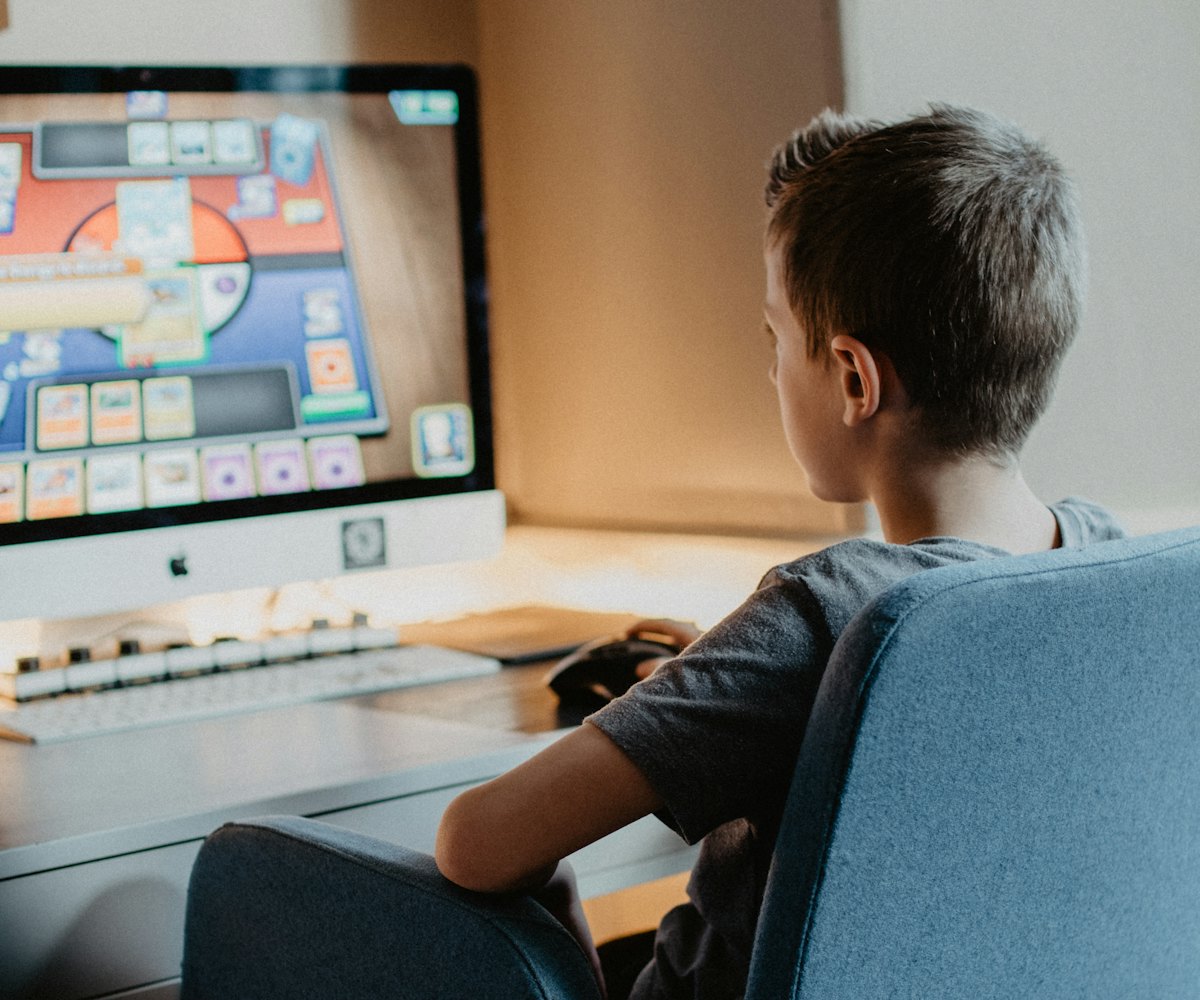
Boy creating his own game with Scratch coding

Who it’s for

  • Kids aged 7-13 who love games and cartoons
  • Complete beginners, no experience needed
  • Curious kids who ask “how does this work?”
  • Children ready to turn screen time into creating

Skills they’ll learn

  • Sequences, loops and events
  • Conditions and basic logic
  • Variables, scores and timers
  • Animation, sprites and storytelling
  • Game design and debugging
  • Creative thinking and confidence
The levels

Two Scratch levels, one big achievement

Small groups of maximum 4 students, so every child gets help when they need it.

Scratch 1

Blocks & Basic Logic
Ages 7-138 SessionsSmall group (max 4)

Kids learn how blocks fit together to make characters move, talk and react, the core logic behind every program.

OutcomeBuild their first interactive game

Scratch 2

Advanced Blocks & Game Design
Ages 7-138 Sessions + 1 Free Review + 1 Guidance SessionSmall group (max 4)

Kids level up with smarter logic, game mechanics and polish to design a complete game from idea to finish.

OutcomeCreate a complete mini-game with features
Hands-on

What kids create in Scratch

Every session ends with something your child made and can proudly show you.

Interactive games
Animated stories
Score & level systems
Their own characters
FAQ

Scratch questions from parents

What is Scratch?

Scratch is a visual programming language made for kids. Instead of typing code, children snap together colourful blocks, learning the same logic that real programmers use.

Is Scratch good for a 7-year-old?

Yes. Scratch is designed for young learners, which is why our Scratch 1 level starts at age 7. It builds logic and confidence without the stress of typing.

What comes after Scratch?

After Scratch 1 and 2, kids aged 10+ move on to Python, where they start writing real text-based code.

How big is the group?

Scratch classes have a maximum of 4 students, so every child gets personal attention.

Ready to turn screen time into creation time?

Book a FREE trial class, your child builds something in the very first session, and you get free guidance on the right level. No commitment.

Our team delivers reliable solutions tailored to your specific needs. We prioritize quality and customer satisfaction in every project.

Address :

Info :

Best KINDERGARTEN Theme

All Demos Included

With Kindergarten WordPress Theme you will have everything you need to create a memorable and enchanting online presence. Start create your dream education site today.